
GenAI Overview
Flow-Like combines configured AI models with typed workflow nodes for chat, retrieval, extraction, and tool use. The Flow remains responsible for selecting context, granting capabilities, validating results, and delivering the final output.
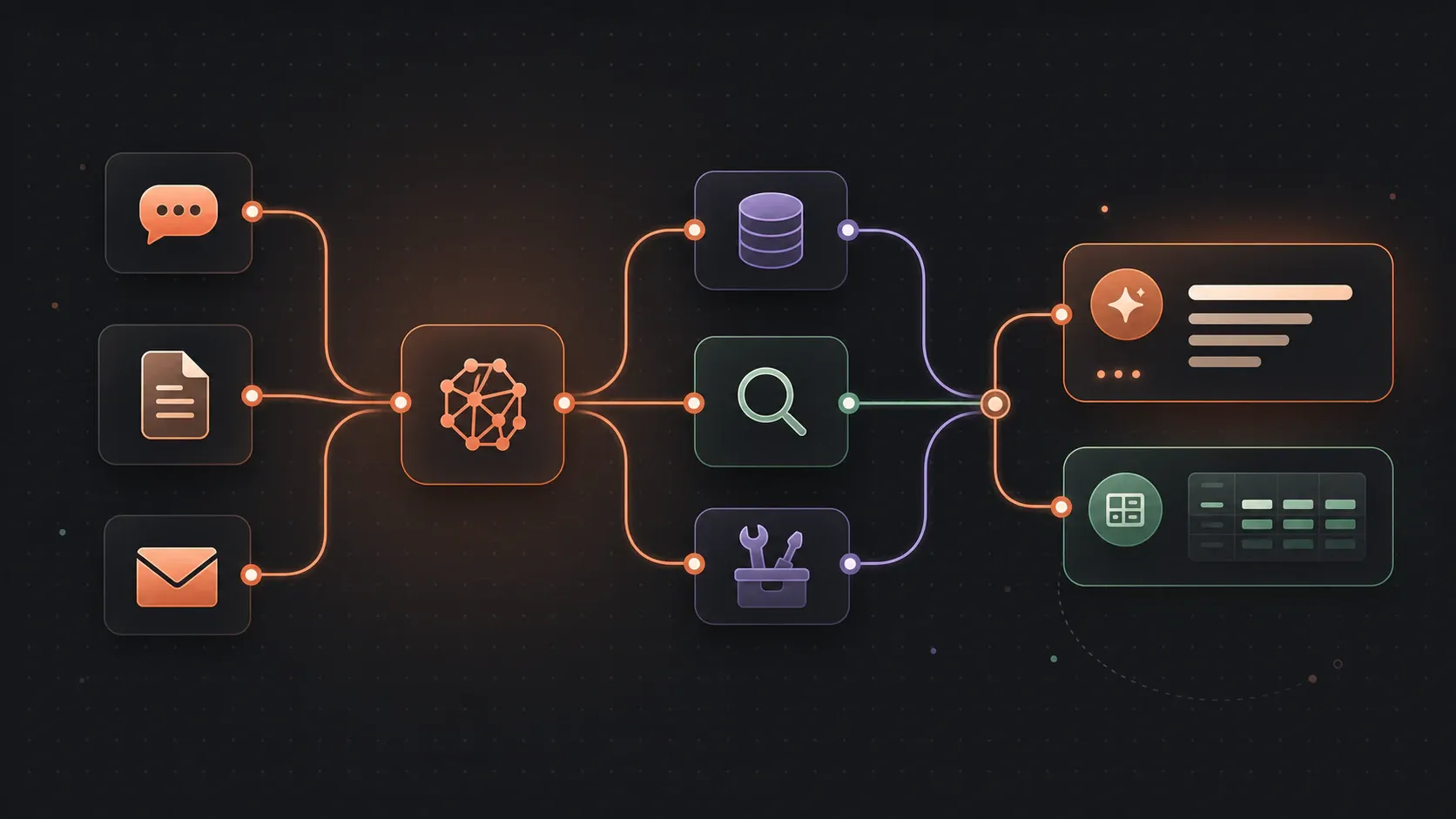
What you can build
Section titled “What you can build”| Application | Flow-Like role |
|---|---|
| Chatbots and assistants | Manage conversation history, streaming, attachments, and session state |
| Knowledge bases (RAG) | Index source material, retrieve relevant passages, and carry evidence into the answer |
| Structured extraction | Constrain model output with a schema, then validate it before use |
| Tool-using agents | Give a model a bounded set of Flow functions, MCP tools, or analytical capabilities |
| Content workflows | Draft, summarize, classify, or transform content inside a repeatable process |
Choose the capability
Section titled “Choose the capability”Models and providers
Section titled “Models and providers”Models supply generation, embedding, vision, or tool-use capabilities. Flow-Like supports hosted and local provider connections; the features available to a Flow depend on the configured model.
Configure AI models and providers.
Chat and conversations
Section titled “Chat and conversations”Start a conversational Flow with a Chat Event, apply instructions and context, invoke a model, then return a complete response or stream chunks to the chat surface.
Build chat and conversation workflows.
RAG and knowledge bases
Section titled “RAG and knowledge bases”Keep indexing separate from answering: split and embed source material once, then embed each question, retrieve evidence, and add only the selected passages to model context.
AI agents
Section titled “AI agents”Use an agent when the request requires the model to choose among approved tools. The Flow still controls the tool set, permissions, iteration limits, confirmation, and delivery.
Extraction and structured output
Section titled “Extraction and structured output”Use a runtime schema when a downstream node needs a known JSON shape. Schema validation confirms structure, not factual correctness, authorization, or business validity.
Extract and validate structured output.
Quick example: a model-backed chat
Section titled “Quick example: a model-backed chat”A minimal chat Flow has three required boundaries:
- Chat Event receives the current conversation and session context.
- Invoke Model sends the prepared history to the configured model.
- Push Response returns a complete result, or Push Chunk delivers a streamed result incrementally.
Add a system message, retrieval, tools, or structured validation only when the use case needs them.
Choose the right starting point
Section titled “Choose the right starting point”| Goal | Start here |
|---|---|
| Build a conversational assistant | Chat and conversations |
| Answer from a controlled document collection | RAG and knowledge bases |
| Extract fields from text or documents | Extraction and structured output |
| Let a model choose among approved operations | AI agents |
| Select a hosted or local model | AI models and setup |
| Generate images with local diffusion models | Local diffusion |
| Render model-produced charts in markdown | Prompt templates for rendering |
Before you build
Section titled “Before you build”Make sure you have:
- an App and Flow with a defined input and output contract;
- an active profile with the required hosted-provider credentials or local-model endpoint;
- a configured model that supports the capabilities the Flow uses;
- representative examples for testing success, empty input, invalid output, and failure paths.
See Model setup for profile configuration.