
Profiles
Select the Profile name in the upper-left navigation to switch Profiles, add a Profile, or edit the active one. Profiles can be used without signing in; signed-in Profiles can also carry account-backed settings.
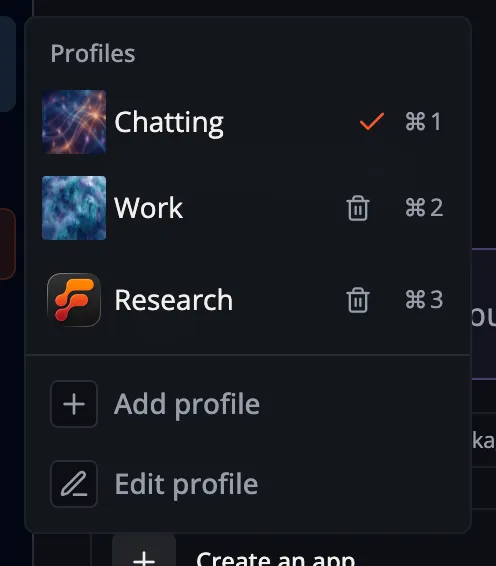
A Profile groups preferences that should change together, including model assignments, interests, theme, and FlowPilot model settings:
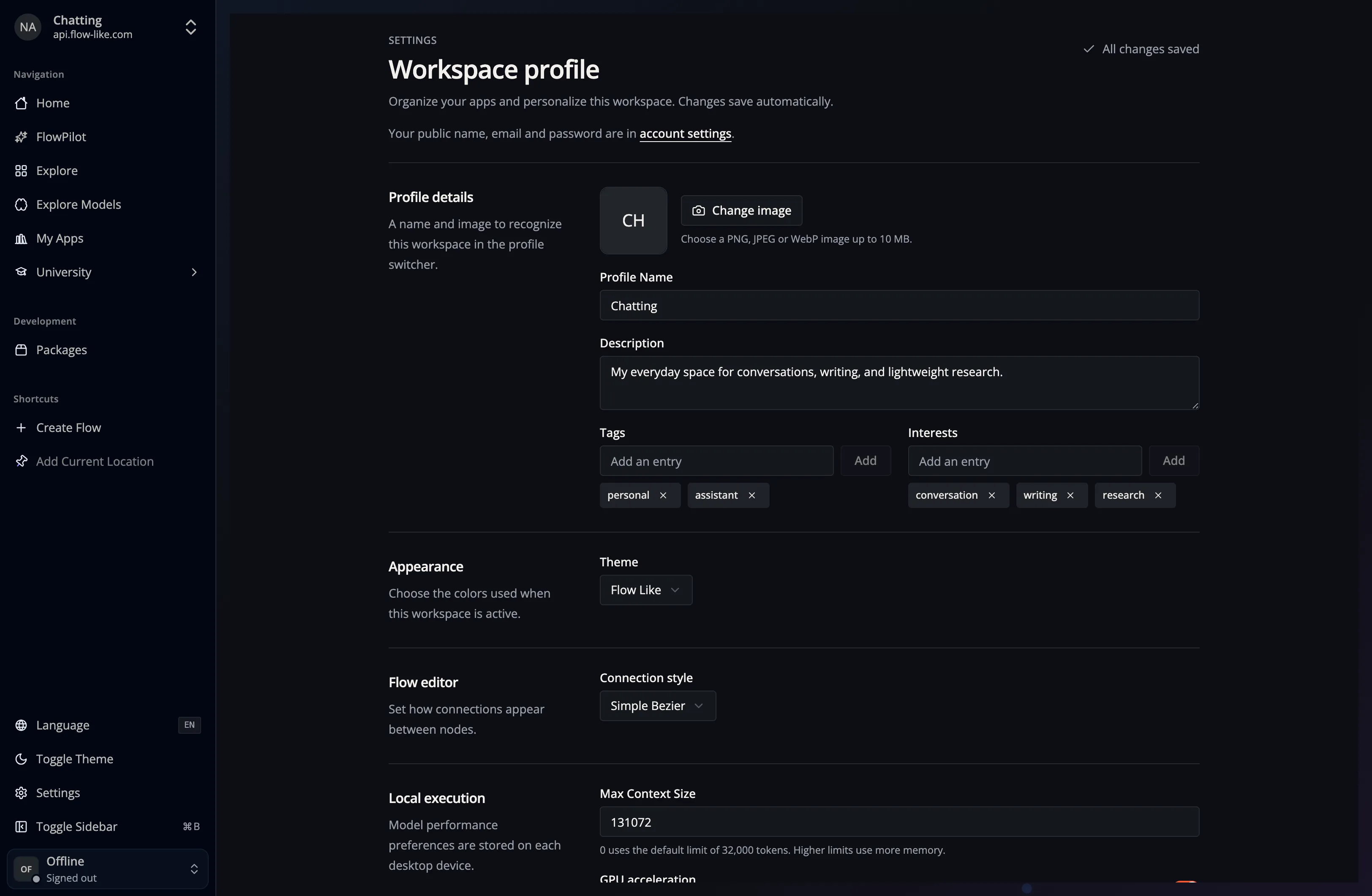
For example, keep separate work and personal Profiles, or create one Profile for lightweight local models and another for provider-backed reasoning models. Changing the Profile changes the active configuration; it does not move or duplicate your Apps.
Each Profile can also have a personal Home layout. See Customize your Home for arranging widgets and choosing between personal, published, and bundled defaults.