
Creating Apps
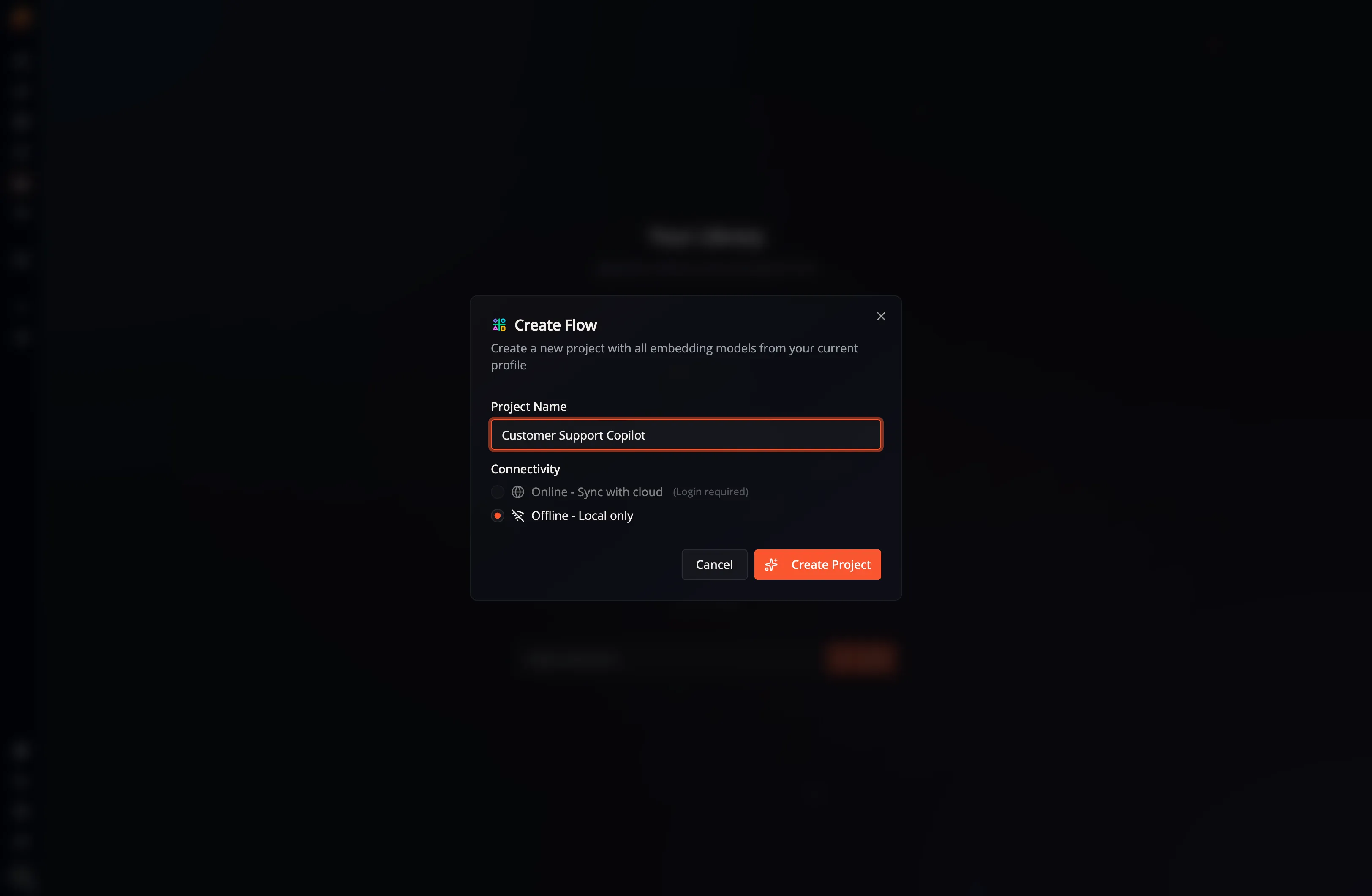
Open My Apps in the desktop app and select Create Flow. If your library is empty, select Create Your First App instead; both actions open the same dialog:
Project Name
Section titled “Project Name”Enter a name for the project. You can edit the app details after creation.
Connectivity
Section titled “Connectivity”Choose whether the project should be Online — Sync with cloud or Offline — Local only. An offline project is a good choice when you want to keep the app and its execution on this machine.
Creating an online project requires that you log in with your Flow-Like account.
More information about online apps and cloud connectivity is available in the Offline vs. Online section.
Templates and Models
Section titled “Templates and Models”The project starts with the embedding models already included in your current profile. You can manage profile models in the Model Catalog and work with reusable templates after creating the project.
Select Create Project to add the App to My Apps and open its initial Flow.