
Model Catalog
Open Settings → AI Models to browse language, vision, embedding, and decision models. With Developer Mode enabled, Explore Models in the sidebar opens the same catalog:
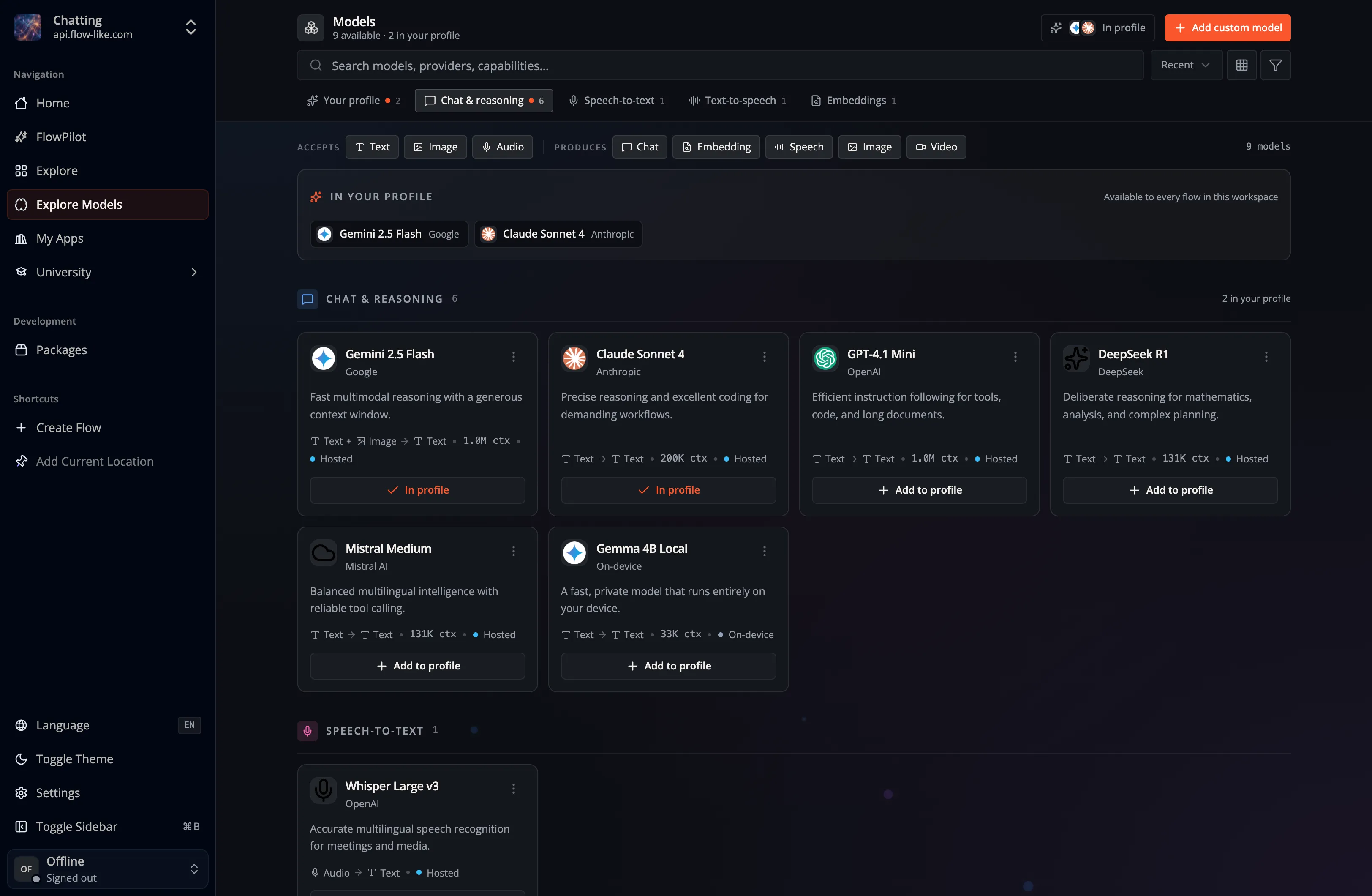
Downloading a model makes its files available on the current device. Assigning it to a Profile makes it available to the Profile’s AI features and to compatible nodes in Studio.
For a local model, open the model card’s menu and select Download if its files are not present, then select Add to Profile. Hosted models do not need a local model download. The catalog shows which models are already in your Profile and whether a download or update is still in progress.
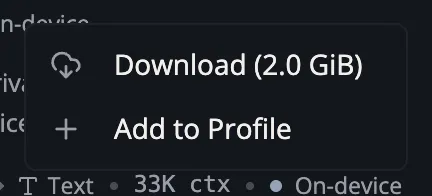
Local models use disk space and execute on supported local hardware. Hosted models and provider-backed models can instead require a configured provider or account. The exact models shown depend on the current catalog and Profile.
Once assigned, select the model from compatible nodes in Studio or from FlowPilot’s model picker.
The Decisions category contains SystemOne models for classification, scoring, and yes/no assessments. Connect Find Decision Model or Load Bit to SystemOne Choice, SystemOne Score, or SystemOne Noul in Studio. Find Decision Model selects an available model from the active Profile. Invoke SystemOne asks several named questions together. These models return typed answers and probabilities and do not appear in chat model pickers. Device deployments also require the model in the project’s manifest dependencies; selecting a profile model alone does not package it. See Decision models.