Connections
Connection types
Section titled “Connection types”There are two types of wires / connections between nodes:
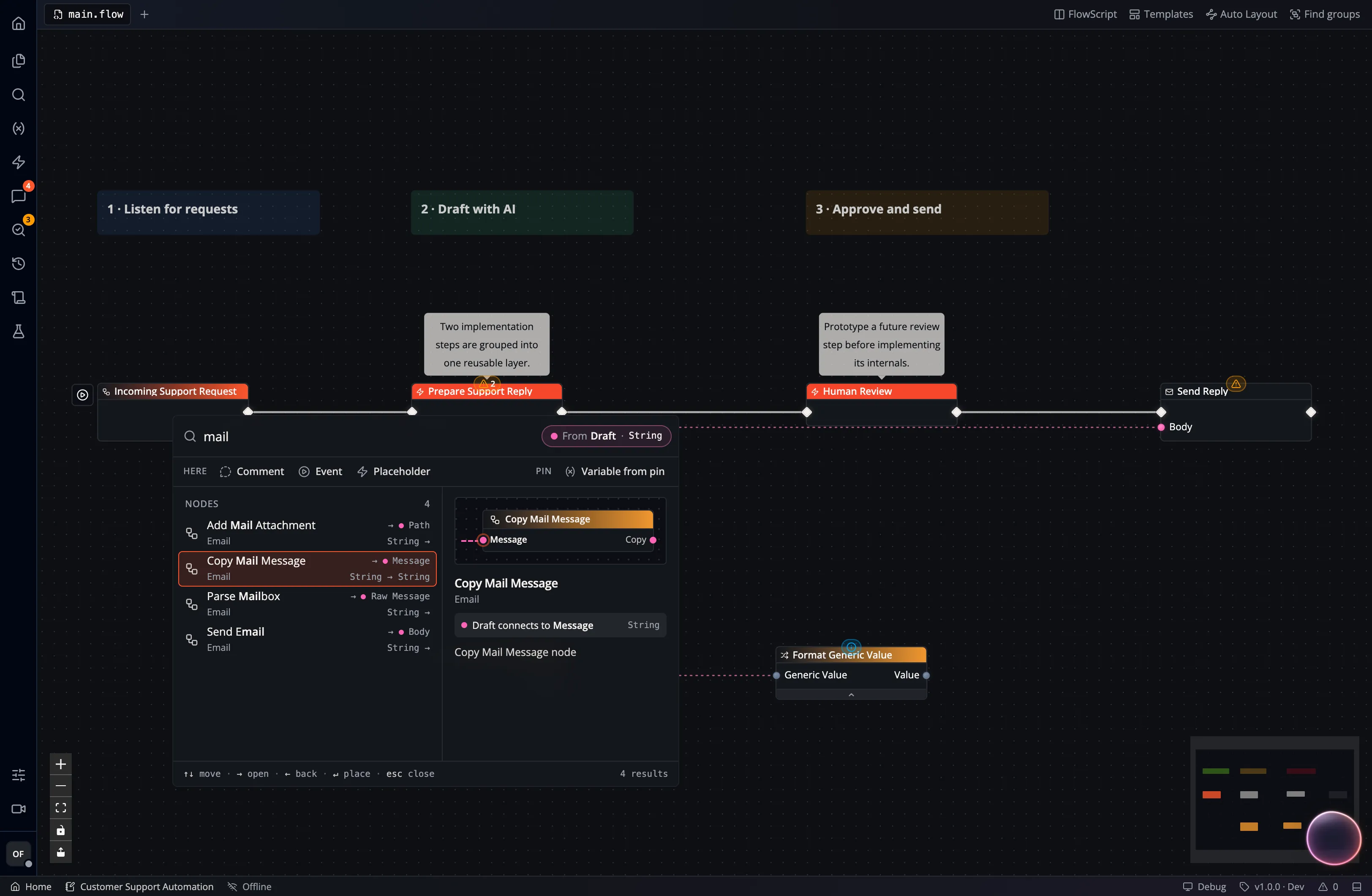
- Execution Wires (white) represent execution flow throughout the graph, typically starting with an event node. Executions can branch at Branch Nodes, repeat in Loop Nodes, or split for parallel execution.
- Data Wires (colored, dashed) represent data transmission between nodes. The color of a data wire indicates the data type (see also Variables and Types).
Studio checks connection compatibility:
- You can only connect execution pins to other execution pins.
- Data pins must have compatible types and collection shapes. A String value and an array of Strings are different shapes, even though their pins share a color.
- Generic pins can accept different data types within the node’s declared constraints.
Some nodes additionally enforce a schema on complex types (structs, purple). For example, a Path output is only accepted by nodes that also have a Path input pin.
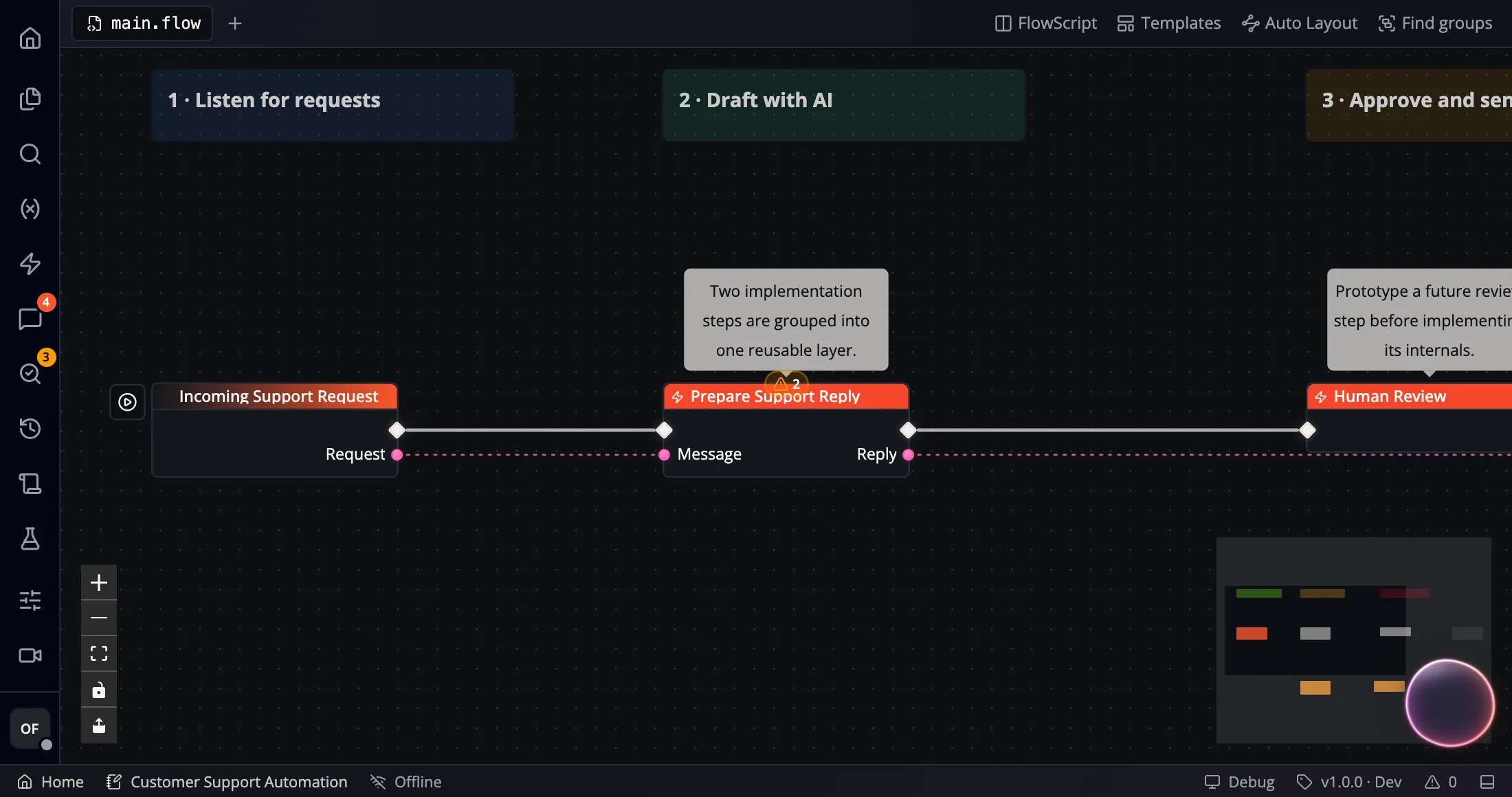
A Generic input can accept values from several data types. In the illustrated connection, a String output feeds a Generic input:
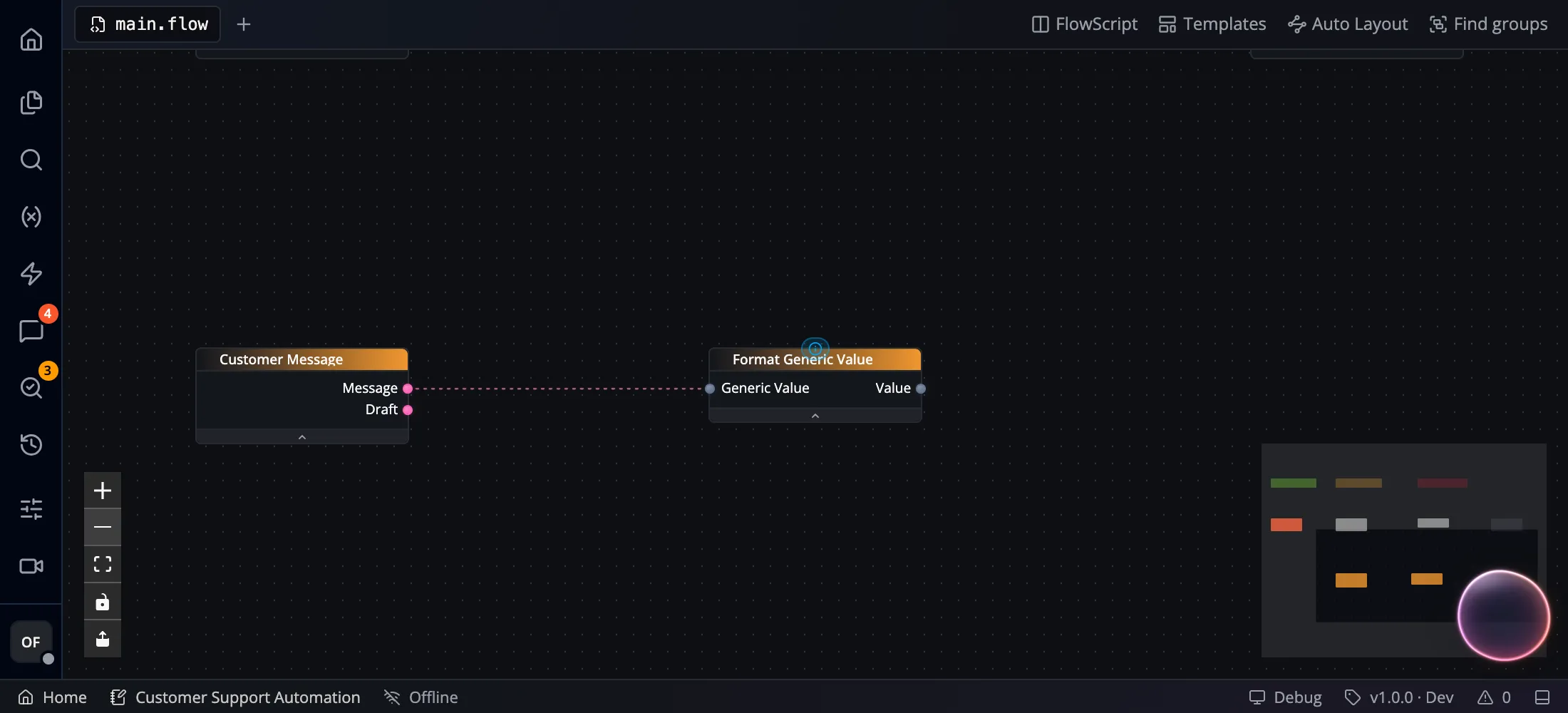
Some nodes also update their pin types when connected. For example, For Each begins with a Generic Array input. Connecting an array lets it match that input’s type and the type of its Value output. Check the node’s pins after wiring it; generic acceptance and pin-type updates depend on the node.
Find compatible nodes
Section titled “Find compatible nodes”Drag a pin onto open canvas to search for a compatible node:
- Drag an input or output pin away from its node.
- Drop it on an empty part of the canvas.
- Search the filtered catalog and inspect the proposed pin connection.
- Choose a node to add it with that connection.
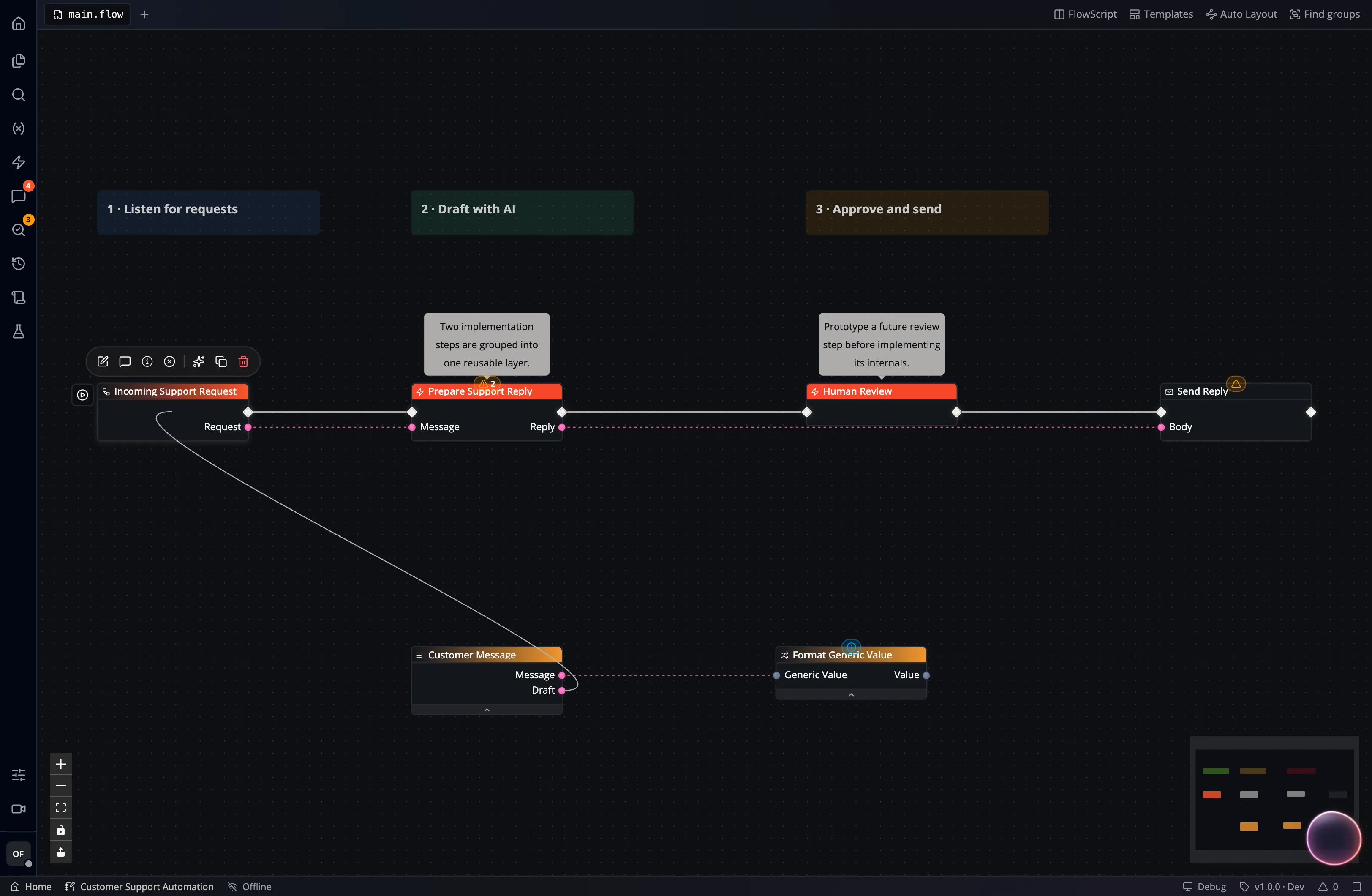
The catalog identifies the source pin and previews which pin will receive the wire: