
First Use
When you first open the Flow-Like Desktop app, you can choose one or more starter Profiles. A Profile groups preferences and model assignments. Choose Chatting for a conversation-oriented starting point; you can add or switch Profiles later:
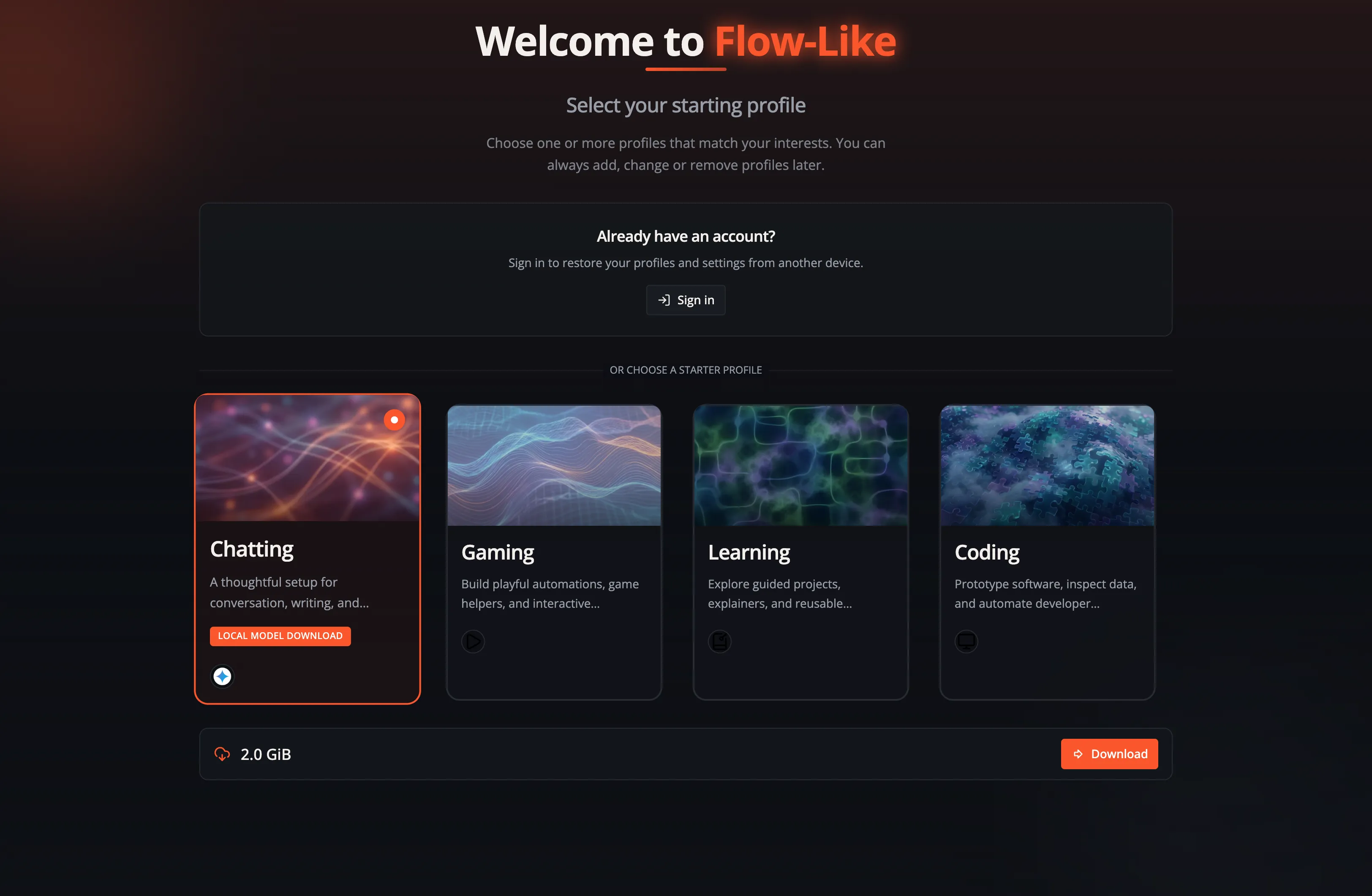
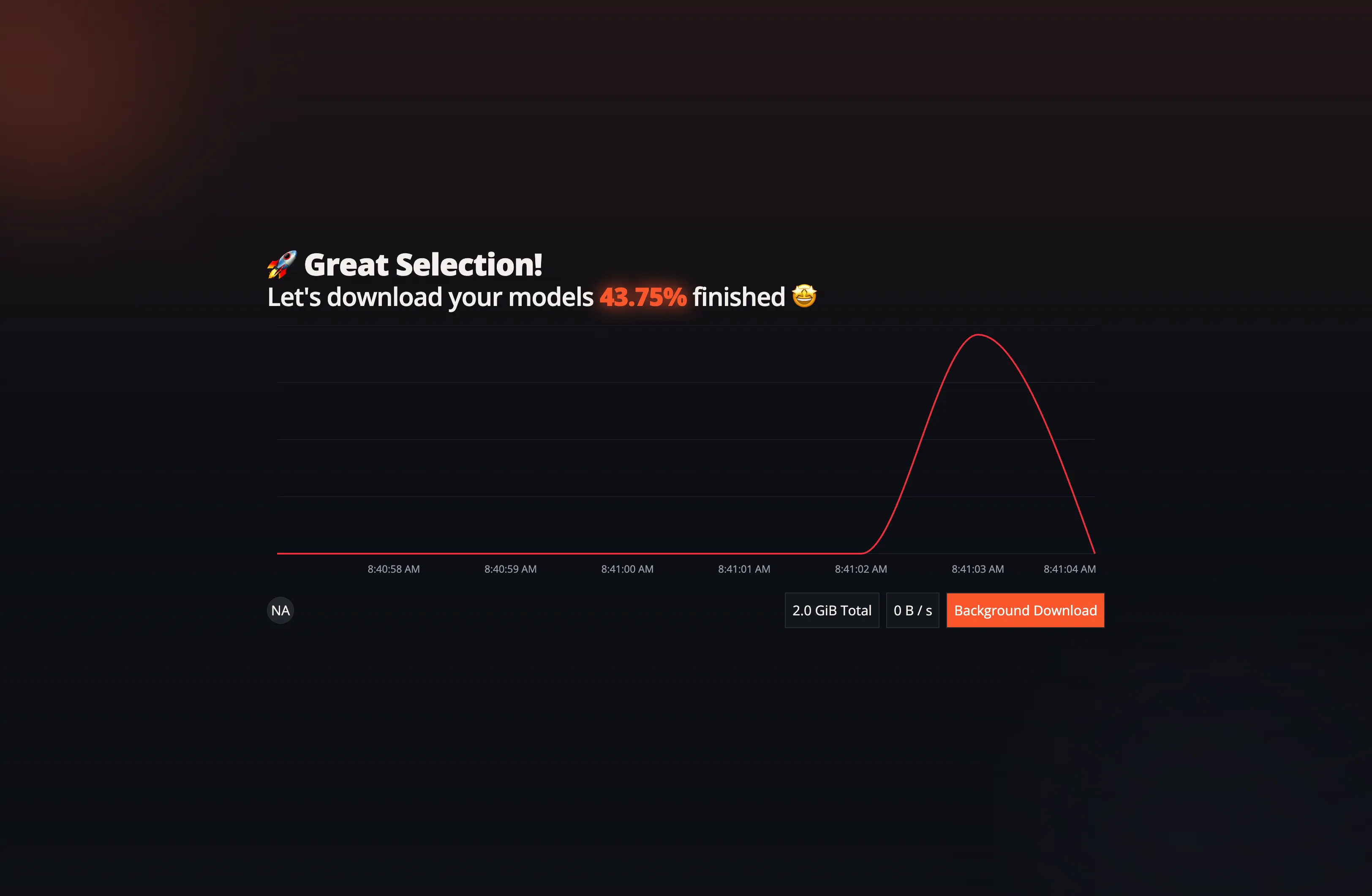
In the next step, Flow-Like downloads some initial language models for you. You can either wait until the download is complete or proceed to the next step and let the download continue in the background:
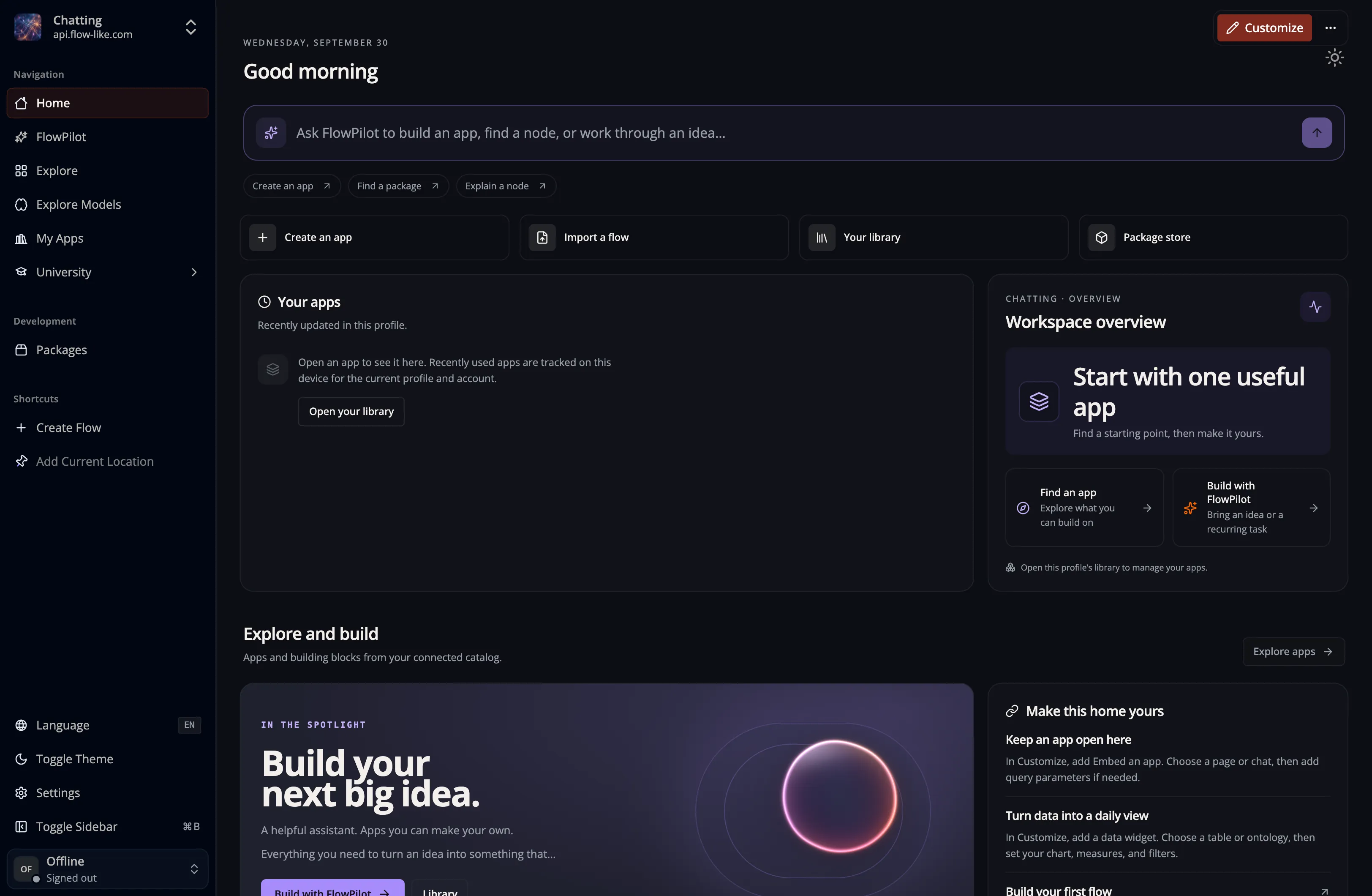
Next, Home opens with the active Profile’s layout. Its widgets can differ by Profile and installation. Select Customize to arrange them; see Customize your Home.
There are additional features of the desktop app to explore next, or you can jump ahead and create your first app to start building a workflow.