
Self Hosting
Run Flow-Like on one Linux Docker host or across a Kubernetes cluster. Both deployments include object storage and default to a separate gVisor sandbox for each workflow execution. Choose the deployment by the infrastructure you can operate and the failure recovery you need.
To run selected apps beside local equipment, use Device deployment. A device runs the standalone agent and its assigned services, with remote management through your hub. It can complement a hosted or self-hosted backend at company sites or on a home automation gateway. Follow the device guides for setup, security and networking, and company edge and home automation examples.
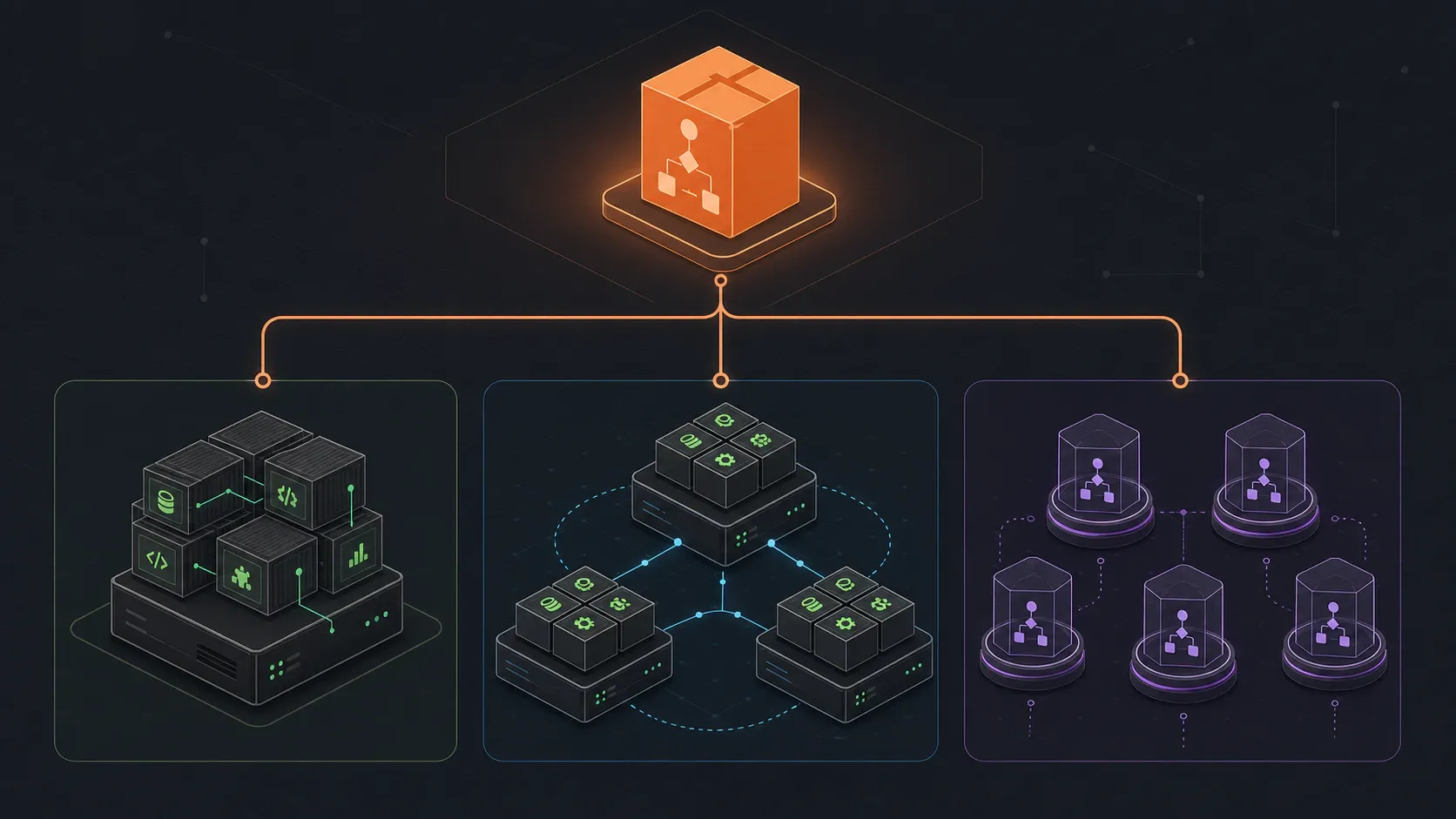
Deployment Options
Section titled “Deployment Options”| Deployment | Execution boundary | Operating requirements |
|---|---|---|
| Docker Compose | Single-use gVisor container with a private Unix proxy socket | Linux Docker host with runsc, local persistent volumes, backups and enough resources for active and warm slots |
| Kubernetes | Single-use gVisor runner Pod and a separate gateway Pod | Installed runsc RuntimeClass, enforcing Cilium policies, execution-node capacity, persistent storage and a registry |
Compose remains a single-host deployment. Kubernetes can place execution slots across nodes, but its bundled Redis and RustFS services remain single instances. Additional API or manager replicas do not provide datastore failover.
Both paths generate private configuration and credentials, initialize separate metadata, content and log buckets in RustFS, and run database initialization before serving API traffic. Existing installations can retain qualified external services. A custom S3 endpoint must support the scoped temporary credentials required by runtimes and clients.
Execution Backends
Section titled “Execution Backends”The self-hosted API sends interactive requests to a Rust execution manager and background requests through a retained Redis queue. The manager assigns a clean, prepared sandbox, supplies one signed dispatch, and destroys the sandbox after completion or cancellation. An environment that has run tenant code never returns to the warm reserve.
per_run is the default execution mode. trusted_shared is an explicit option
for internal workflows whose authors are trusted; it shares worker processes
between runs. The legacy Kubernetes Job dispatcher is outside the supported
isolated Helm path.
Read Execution Backends for admission, cancellation, transport selection and the isolation boundary.
Plan capacity and qualification
Section titled “Plan capacity and qualification”Managers have separate limits for active executions, ready sandboxes and concurrent replenishment. Reserve resources for active and warm slots, including one gateway per slot. At one arrival per second and a one-hour mean run duration, steady state needs about 3,600 active sandboxes before spare capacity.
Prewarming removes environment creation and static runtime initialization from admission. Artifact loading, durable claims and storage access can still delay the first workflow node. Measure startup latency and sustained replacement rate on the target host or cluster; the implementation has no measured few-millisecond guarantee. Before admitting untrusted tenants, qualify runtime isolation, storage-prefix denial, cancellation, recovery and representative load.
Connecting the Desktop App
Section titled “Connecting the Desktop App”After deploying your backend, configure the desktop app to connect to it by setting the FLOW_LIKE_API_URL environment variable before launch:
export FLOW_LIKE_API_URL=https://your-api.example.com./flow-like→ Desktop client configuration
Quick Links
Section titled “Quick Links”- Execution Backends - Understanding job isolation and choosing the right backend
- Docker Compose - Installation and operation on one Linux host
- Kubernetes - Cluster deployment, Helm configuration, and autoscaling options