
Variables
Variables are typed values shared by the nodes in one Flow. Each run receives its own in-memory variable state.
Use a variable when several parts of a Flow need the same value or when a value changes during execution, for example, an environment-specific table name, an array accumulated in a loop, or a Boolean loop condition.
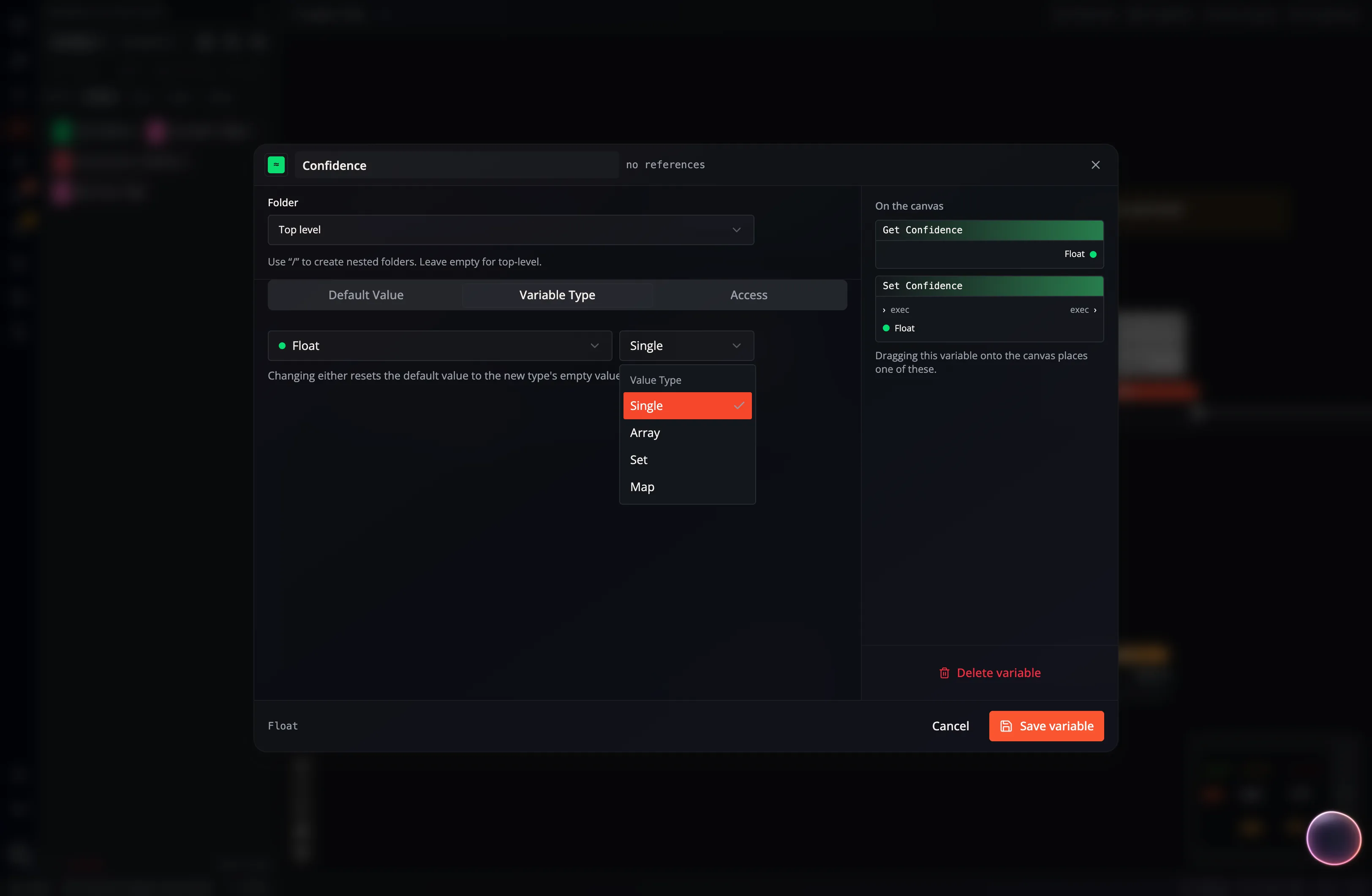
Nodes read and write variables through generated Get variable and Set variable nodes:
- Search for the generated node in the Node Catalog.
- Or drag a variable from the variables panel onto the canvas and choose the read or write operation.
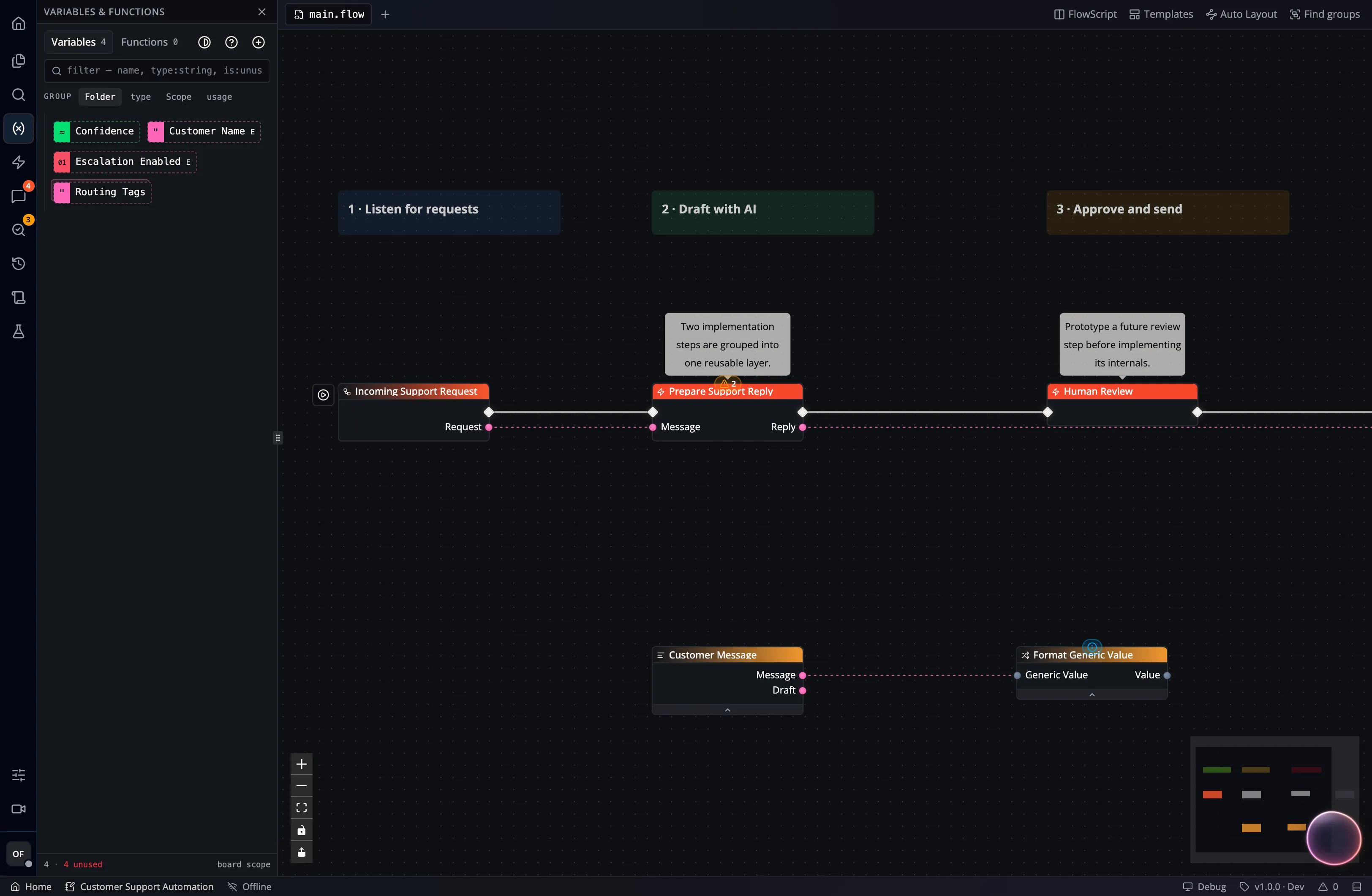
To set a variable’s data type, open the variables panel, select the variable, and choose its type:
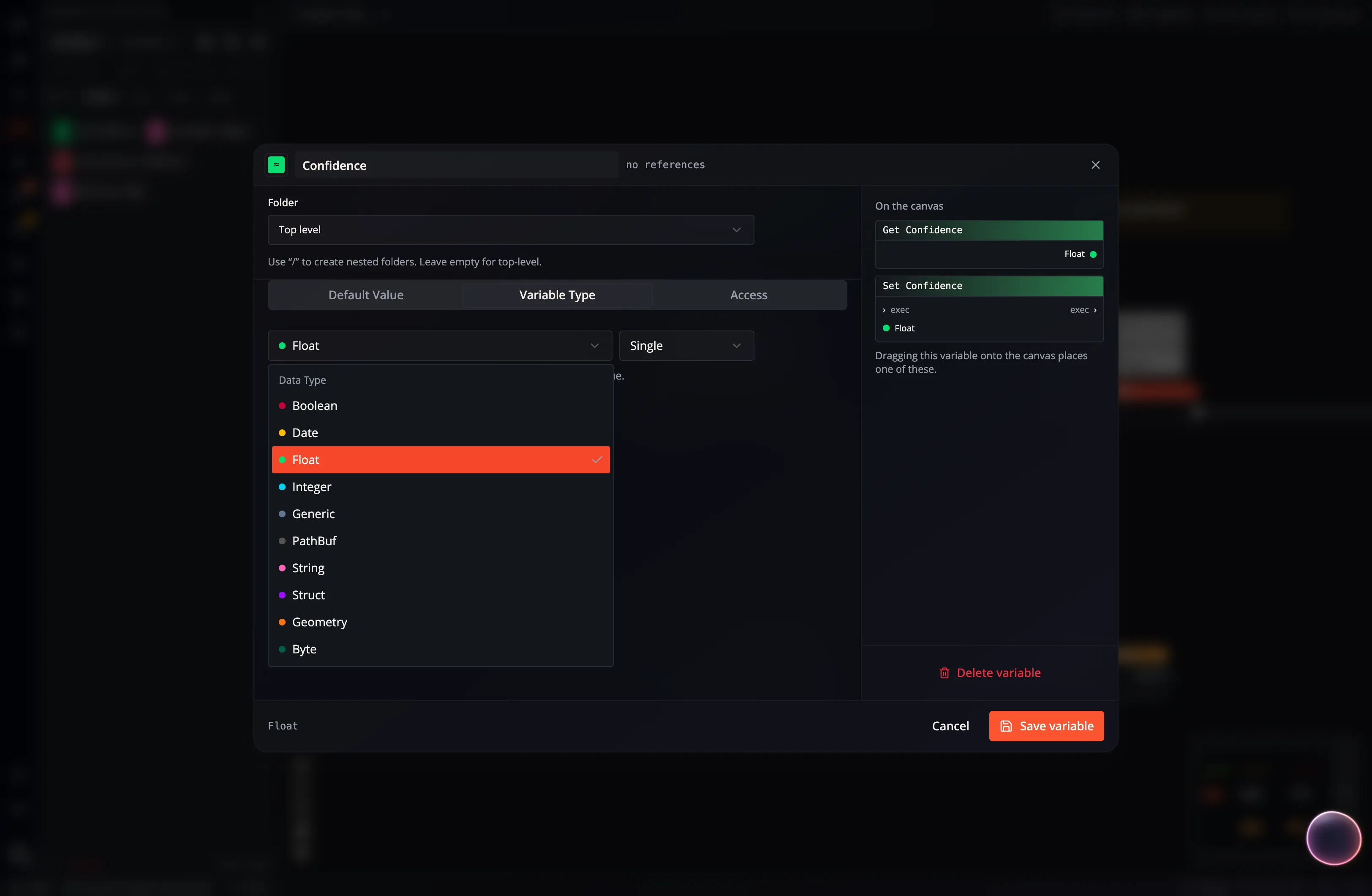
Choose a value shape in Variable Type: Single, Array, Set, or Map. Use Default Value to set its initial value.
A Date variable holds an instant in UTC, not a calendar day. See Dates & Times for its wire format, the inputs it parses, the formatting placeholders, and how it is stored in tables.
A Geometry variable holds a location or shape as GeoJSON. Its pins use orange. See Geometry for subtypes, coordinate order, conversion nodes, and spatial table queries.
Variable Settings
Section titled “Variable Settings”Exposed
Section titled “Exposed”An exposed variable appears in the App configuration and can accept a value from a compatible Event or invocation. If no external value is supplied, the Flow uses its configured default.
Secret
Section titled “Secret”A secret variable is masked in editors and treated as sensitive by Flow-Like’s authoring and diagnostic paths. Configure the actual value through the trusted Runtime Variables screen instead of placing it in FlowScript or a normal default.
Runtime Configured
Section titled “Runtime Configured”A runtime-configured value is not stored in the Flow definition. Configure it per user and device in the App’s Runtime Variables settings. Use this for:
- API keys, tokens, and passwords;
- local paths and device-specific settings;
- endpoints or identifiers that differ between environments;
- any value each runner should supply independently.