Storage
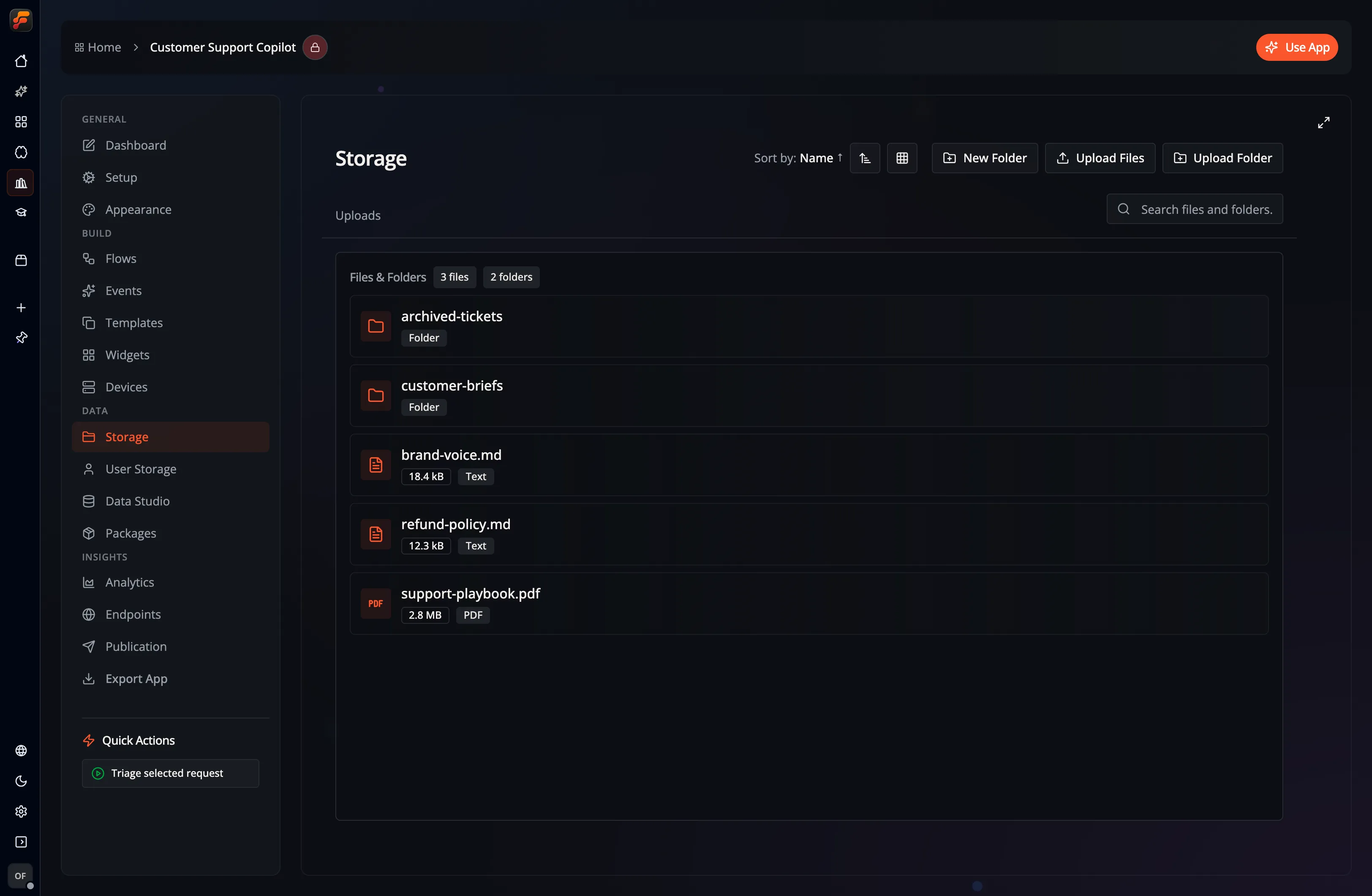
Every Flow-Like app has its own file storage for the assets your flows read and write. Two views manage it:
- Storage: upload and manage shared files and directories for the app. Select files from your local machine or drag and drop them directly.
- User Storage: browse and search your own private, per-user files within the app.
User Storage appears in the App navigation when Developer Mode is enabled. Access permissions still apply to both views. For queued uploads and cached tables in an online App, see Offline access.
Upload Directory
Section titled “Upload Directory”Here you can upload files and entire folders to make them part of your app. For online apps, the files are stored in the cloud and synchronized across all devices where you are logged in with your Flow-Like account: